How to find a CID number for GBP (3 methods)
1. How to find a CID number using Google Maps
- Find your Google business profile in the native Google Maps interface and click the list to select it.
- Replace http:// with view-source: in the address bar and press Enter.
- Use your keyboard to press CTRL+F and search for the phrase ‘ludocid’ in the source code.
- CID is a string of numbers located after ‘ludocid\\u003d’ and before #lrd.
Example:
In this line: ON+L3Y+4V8\u0026ludocid\\u003d18208190227674681406#lrd\u003d0x882ace1b6df9d1db:0xfcb07c8a7b49d03e
CID will be 18208190227674681406
2. How to find a CID number using Google Maps for a SAB listing
The above method may not work for the Service Area Business listing on Google Maps.
For these types of GBP, do the following:
- Find the Google business profile entry in the native Google Maps interface and click the entry to select it.
- You will see a long URL in the address bar. Find a long set of characters in the URL that start with 0x (there are 2 of them, and the second one ends before the exclamation point).
- The second of the two lists the CID in hexadecimal after 0x. For example, if the URL https://www.google.ca/maps/place/Sequoia+TreeScape/@44.0537056,-80.5823363,8z/data =!3m1!4b1!4m5!3m4!1s0x882ad2157062b6c3:0xe060d065957c4103!8m2! 3d44.0591868!4d-79.4612559
...then two lines starting with 0x, is 0x882ad2157062b6c3 і 0xe060d065957c4103
Copy the second line to the clipboard, but EXCLUDE 0x. So, in this example, you will copy "e060d065957c4103".
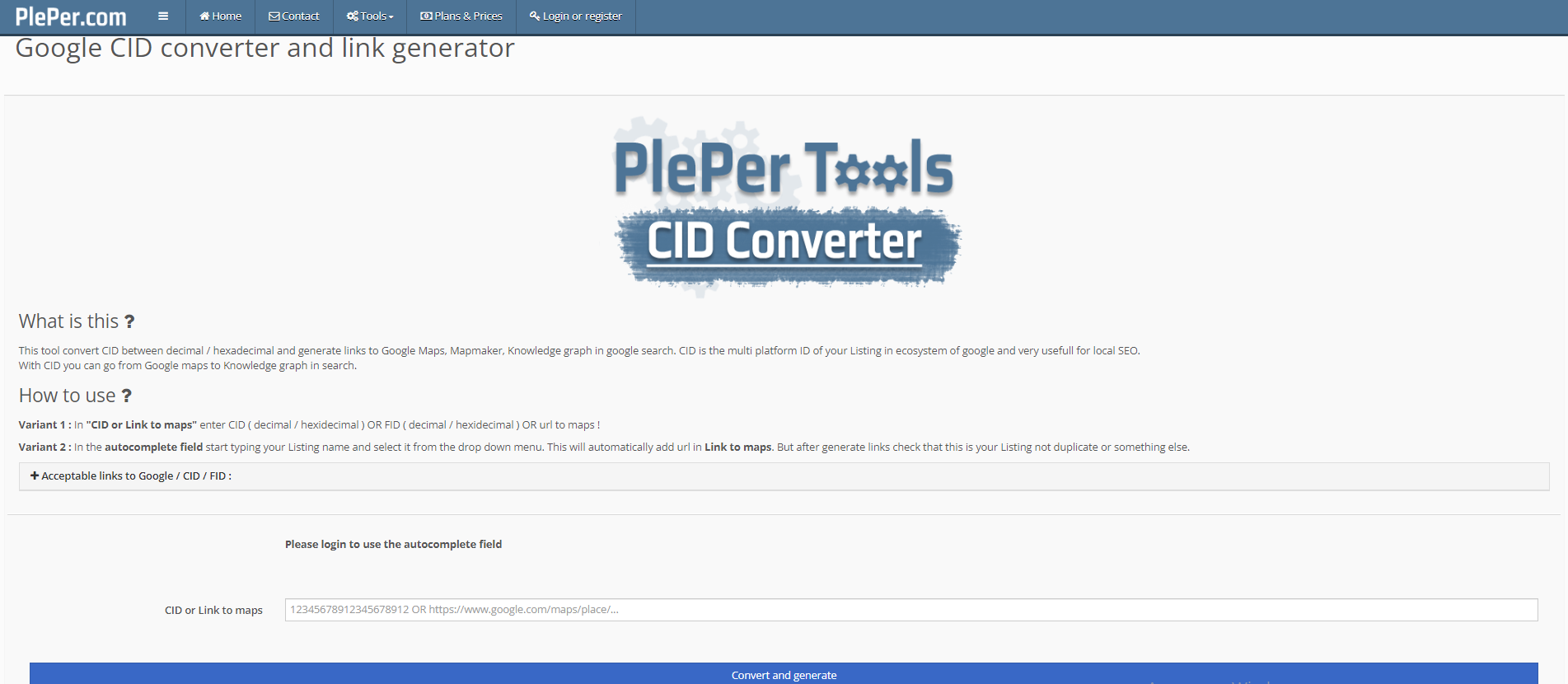
- Paste this string into a hex converter (we recommend this one). The resulting string, converted from hexadecimal, is the CID number.
3. CID converter
If you cannot find your CID using the methods above, you can try using
converter CID.